지금 이용 가능

Higgsfield, 이제는After Effects 안에서

After Effects workspace with Higgsfield tools
Higgsfield plugin panel inside After Effects

HiggsfieldMCP:내 에이전트, Higgsfield 모델

  1. 브리지 프롬프트 복사하기

  2. 설정 → 커넥터

    커스텀 커넥터를 추가하고 이름을 Higgsfield Bridge로 지정한 뒤 URL을 붙여넣으세요

  3. Higgsfield Plugin으로 제작 시작하기

    원하는 내용을 설명해 보세요: “After Effects에서 바운스 이징과 라이트 스트릭이 들어간 로고 리빌 만들기”

Turn a 3D fight scene into an anime short

Color grade footage

Match a cinematic look

Recreate the Oval Office in 3D

Turn a character concept into a cartoon

Paint The Creation of Adam

시작을 위한 3단계

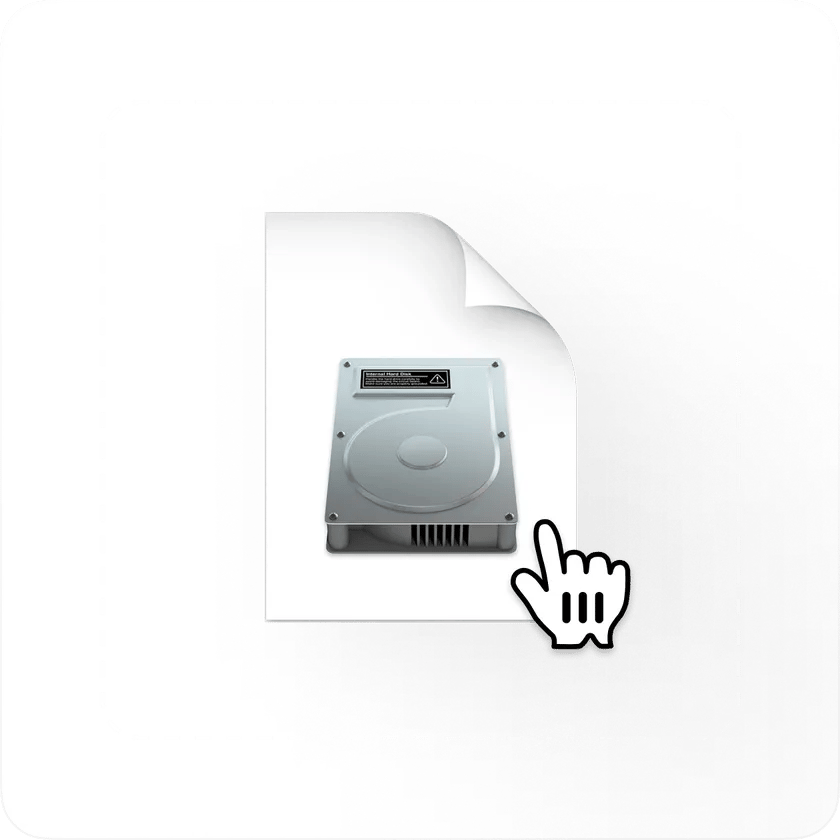
.dmg 다운로드 preview

.dmg 다운로드

아래에서 macOS용 Download를 클릭하세요. 네이티브 설치 프로그램은 Apple Silicon과 Intel 모두에서 작동하며, 헬퍼 앱이 필요 없어요.
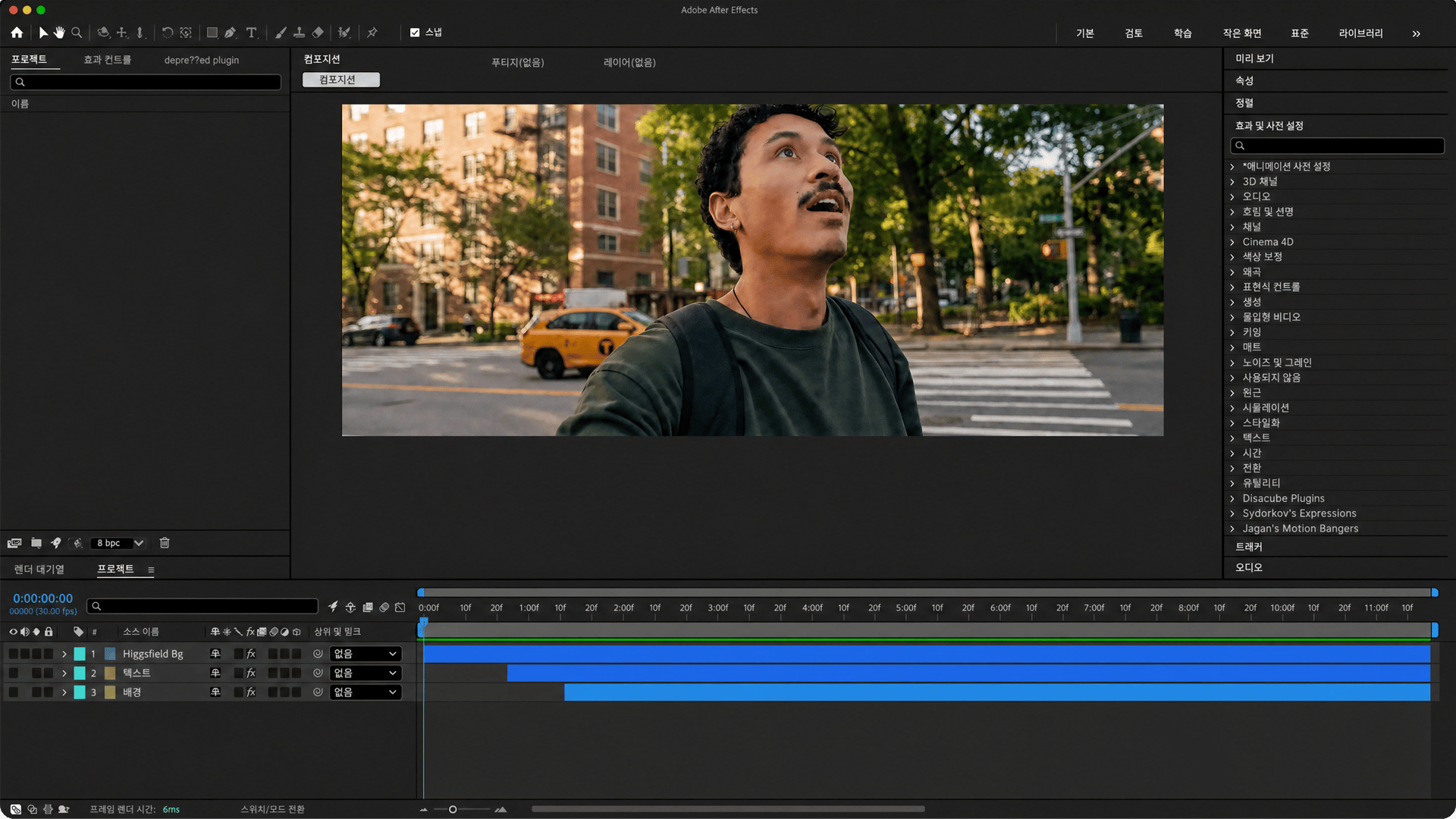
설치 프로그램 실행 preview

설치 프로그램 실행

.dmg 파일을 열고 Higgsfield를 Applications 폴더로 드래그한 뒤, 더블 클릭해 설치 프로그램을 실행하세요. After Effects를 자동으로 감지해요
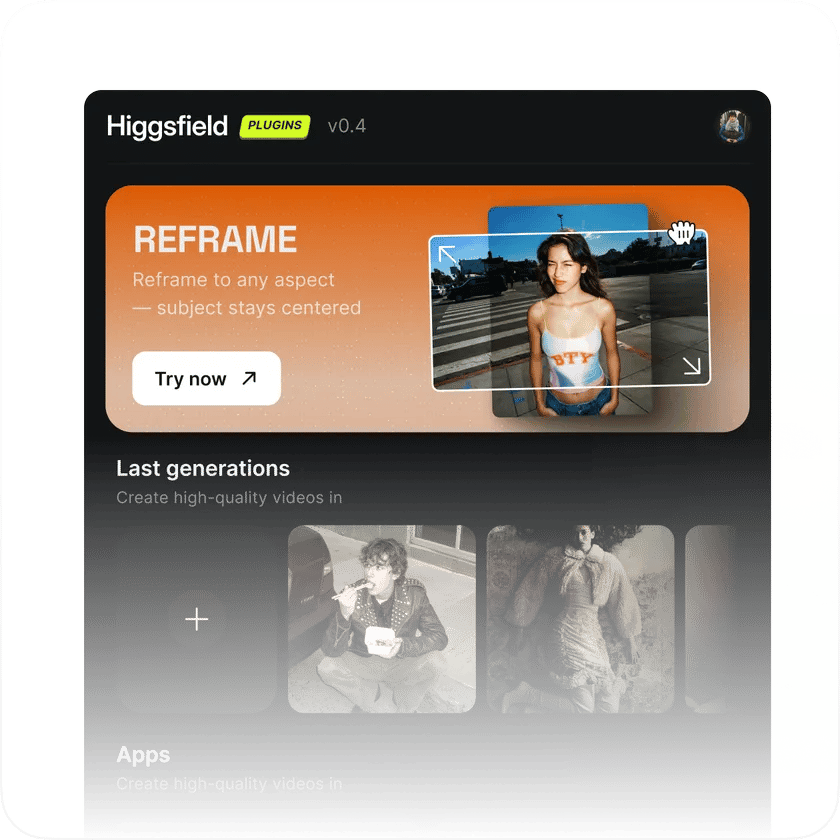
Adobe를 열고 Higgsfield 찾기 preview

Adobe를 열고 Higgsfield 찾기

After Effects를 실행한 다음 Window > Extensions > Higgsfield로 이동하세요. 5가지 플러그인 모두 패널에서 바로 사용할 수 있어요

실제로 세상에 나가는 작업을 위해 만들어졌어요

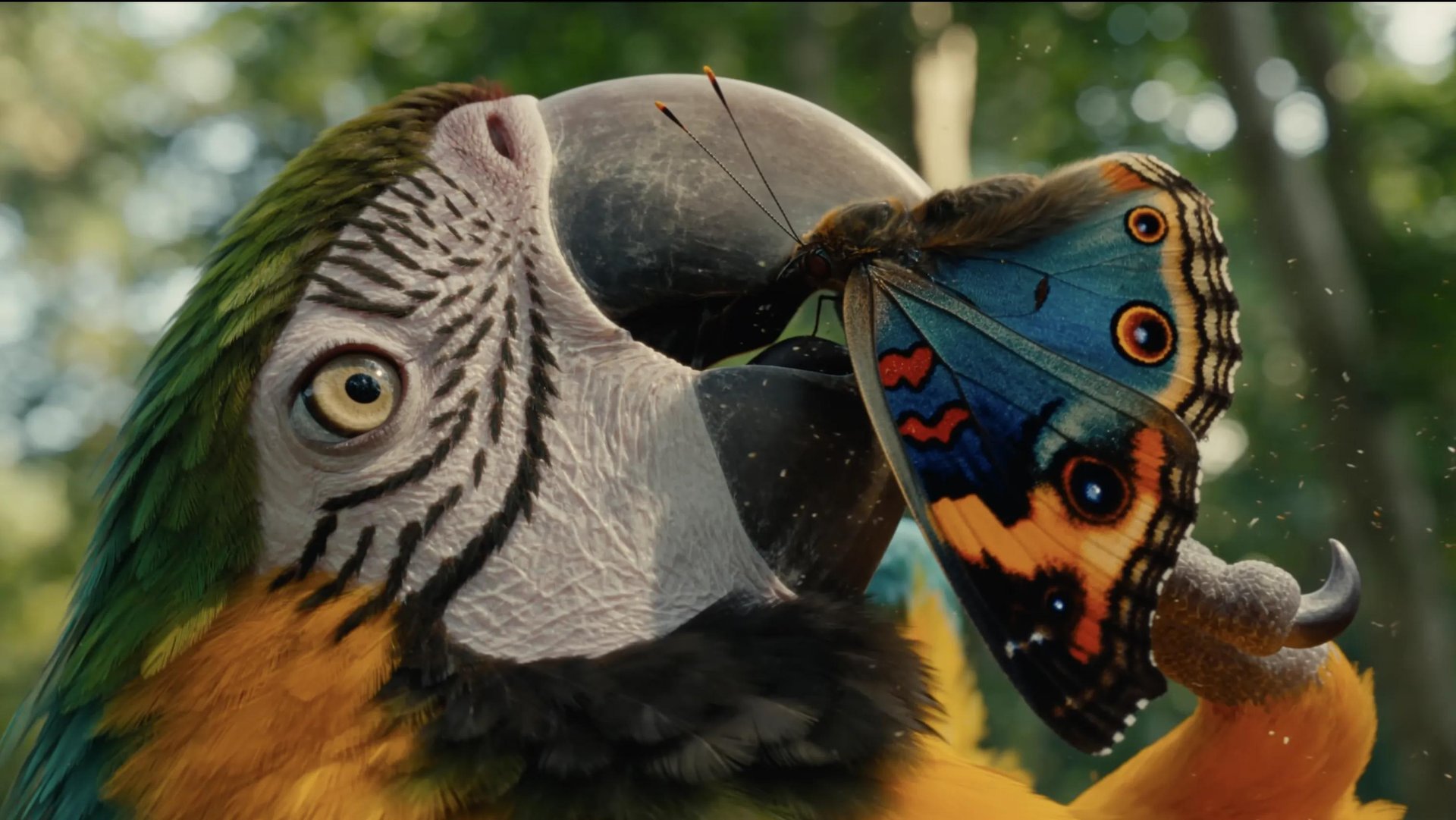
AI 영상 생성하기

자연어로 어떤 클립이든 만들어 보세요. 장면, 캐릭터, B롤, 카메라 움직임까지, 원하는 것을 설명하기만 하면 Higgsfield가 결과물을 Adobe 타임라인에 바로 넣어 줘요
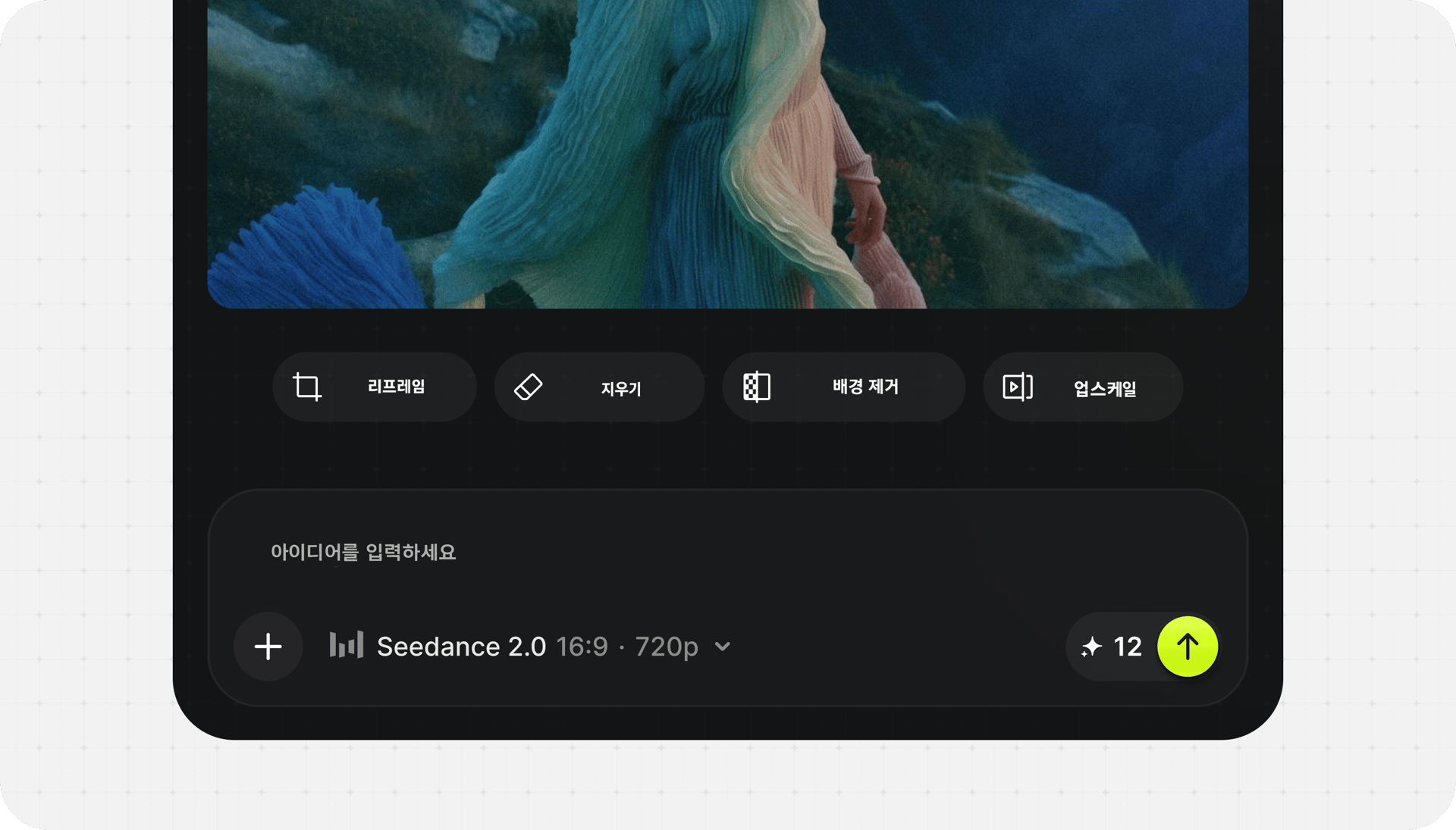
AI 영상 생성하기

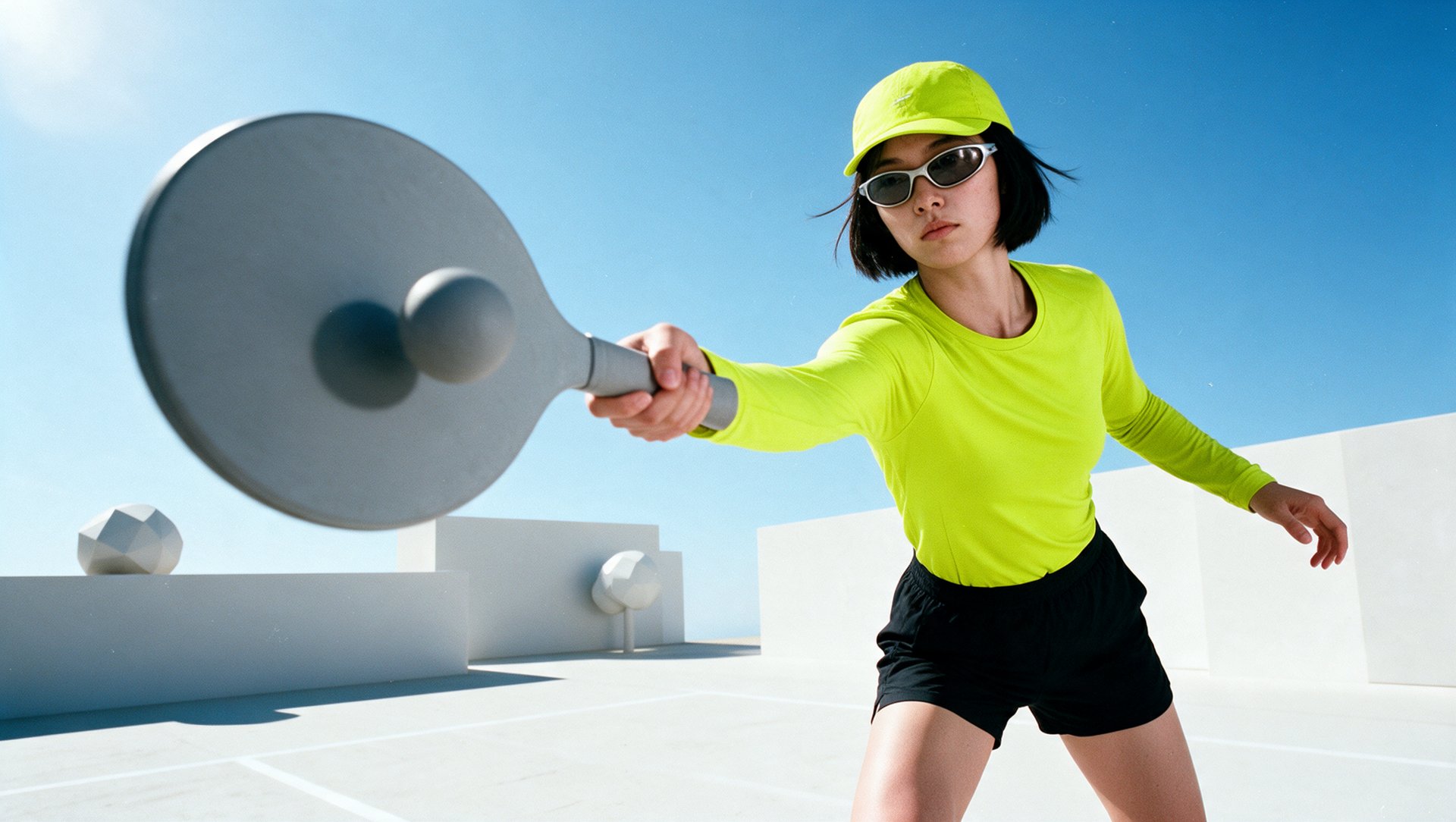
AI 이미지 생성하기

자연어로 어떤 비주얼이든 만들어 보세요. 배경, 오버레이, 타이틀 카드, 장면 요소까지, 원하는 것을 설명하기만 하면 Higgsfield가 결과물을 Adobe 타임라인에 바로 넣어 줘요
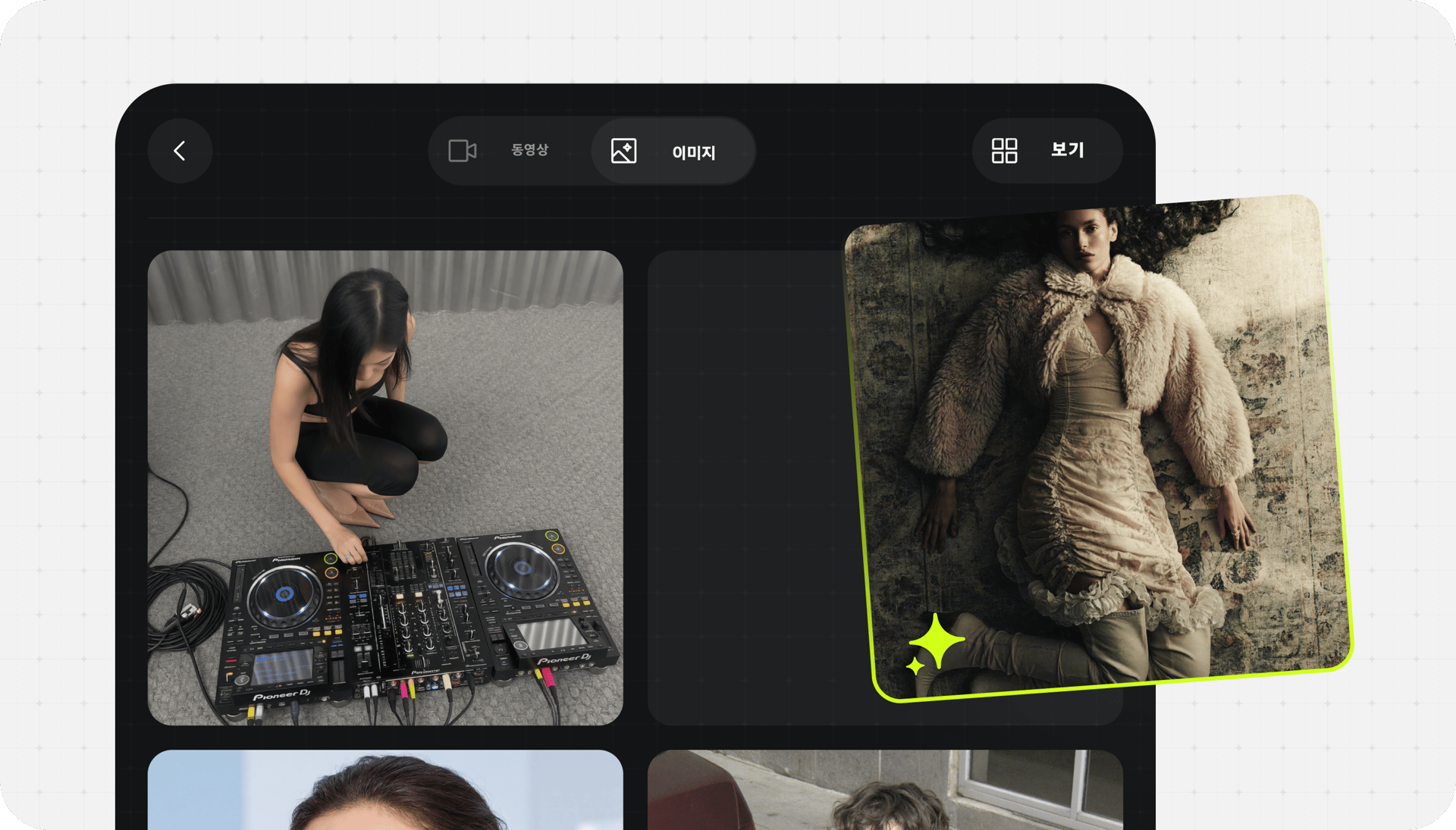
AI 이미지 생성하기

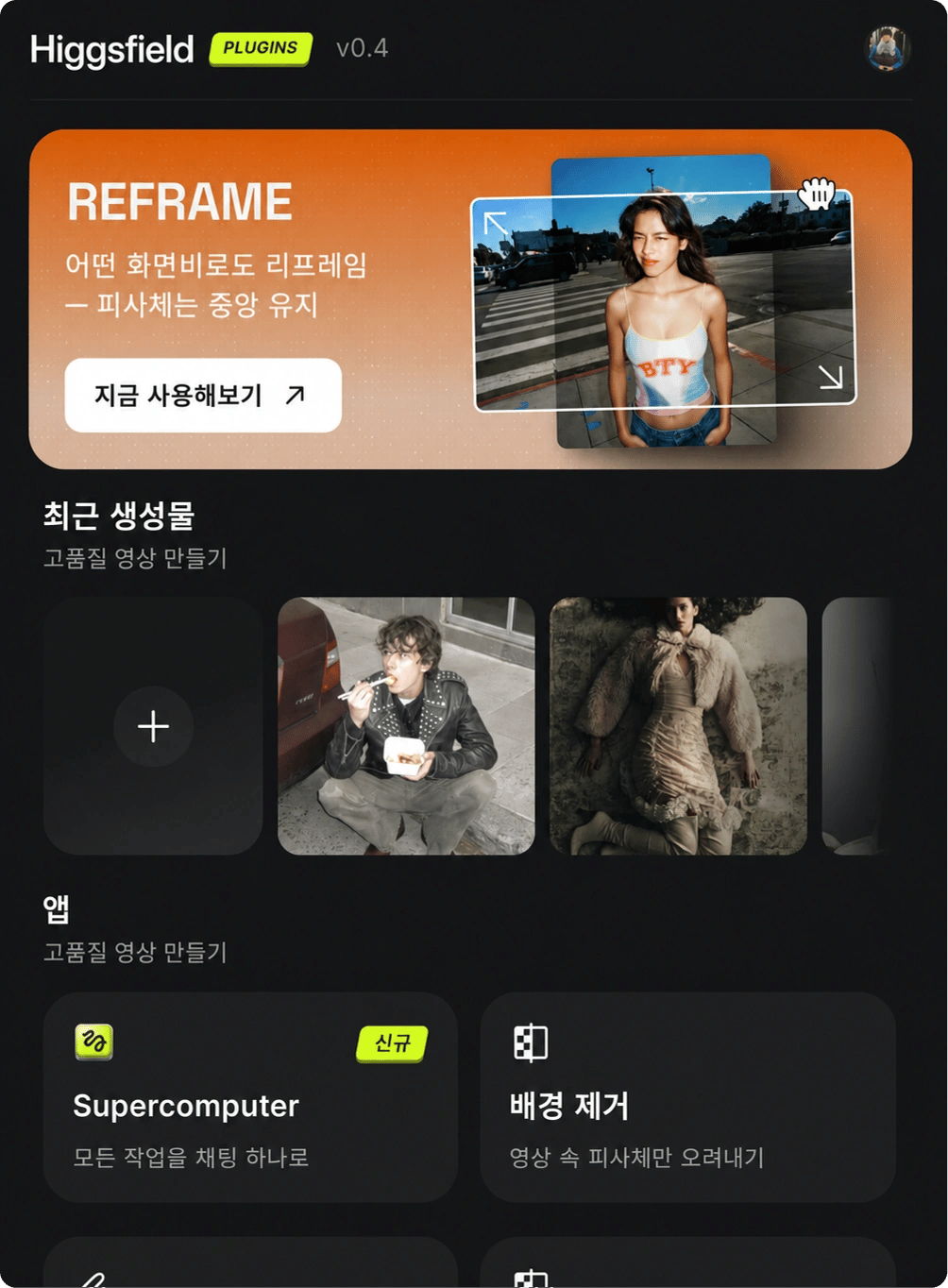
Reframe

클릭 한 번으로 어떤 클립이든 9:16, 16:9, 4:3, 3:4, 21:9, 1:1로 크롭하세요. 스마트 피사체 추적이 종횡비가 바뀌어도 초점을 완벽하게 중앙에 유지해 줘요. 수동 리프레이밍도, 어색한 크롭도 없어요
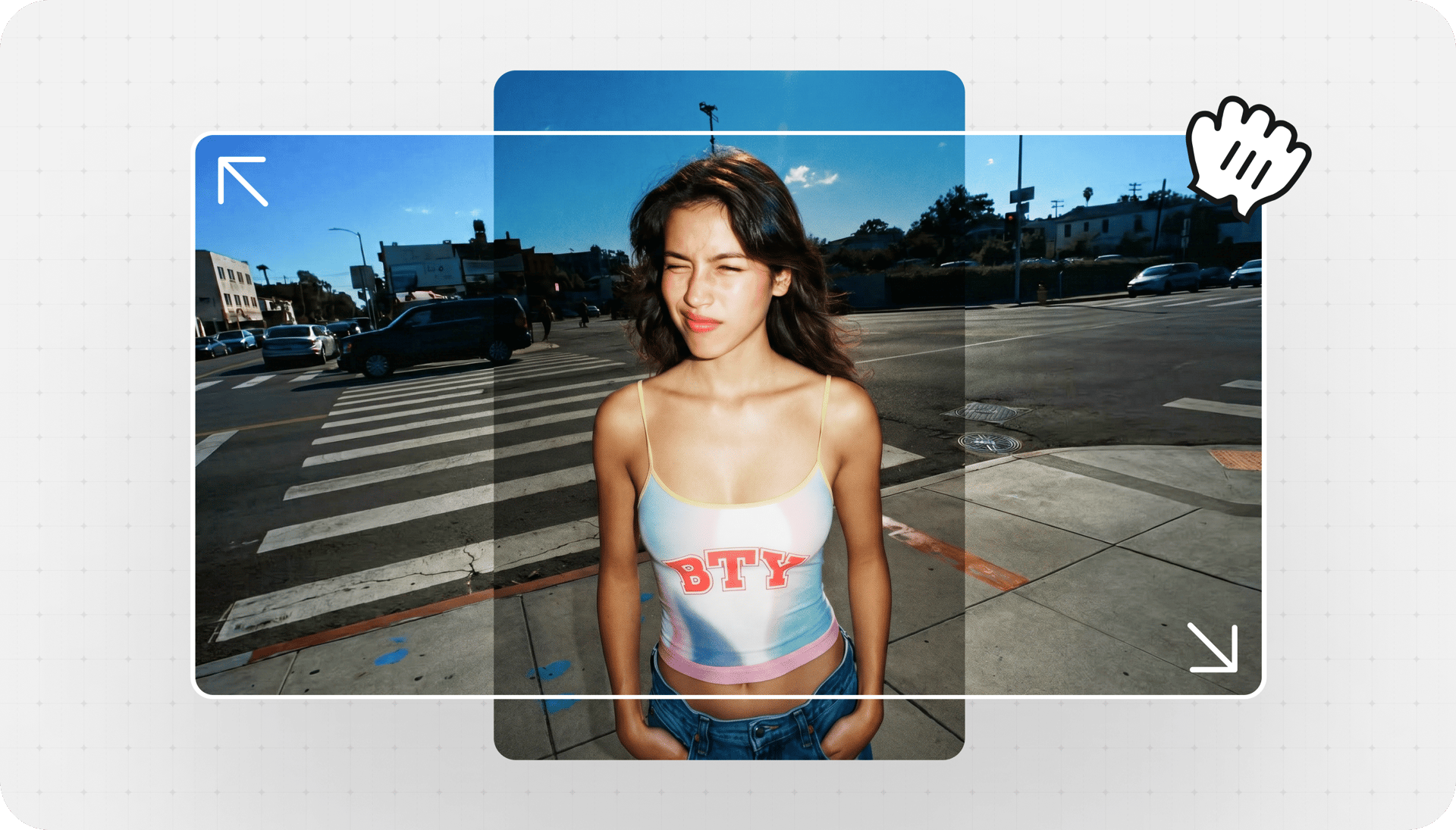
Reframe

Remove Background

그린 스크린 없이 어떤 영상에서도 깨끗한 키를 추출해 보세요. AI가 픽셀 단위 정밀도로 피사체를 감지해요. 선명한 가장자리, 섬세한 머리카락 디테일, 어떤 합성에도 바로 쓸 수 있는 순수한 알파 채널까지 제공돼요

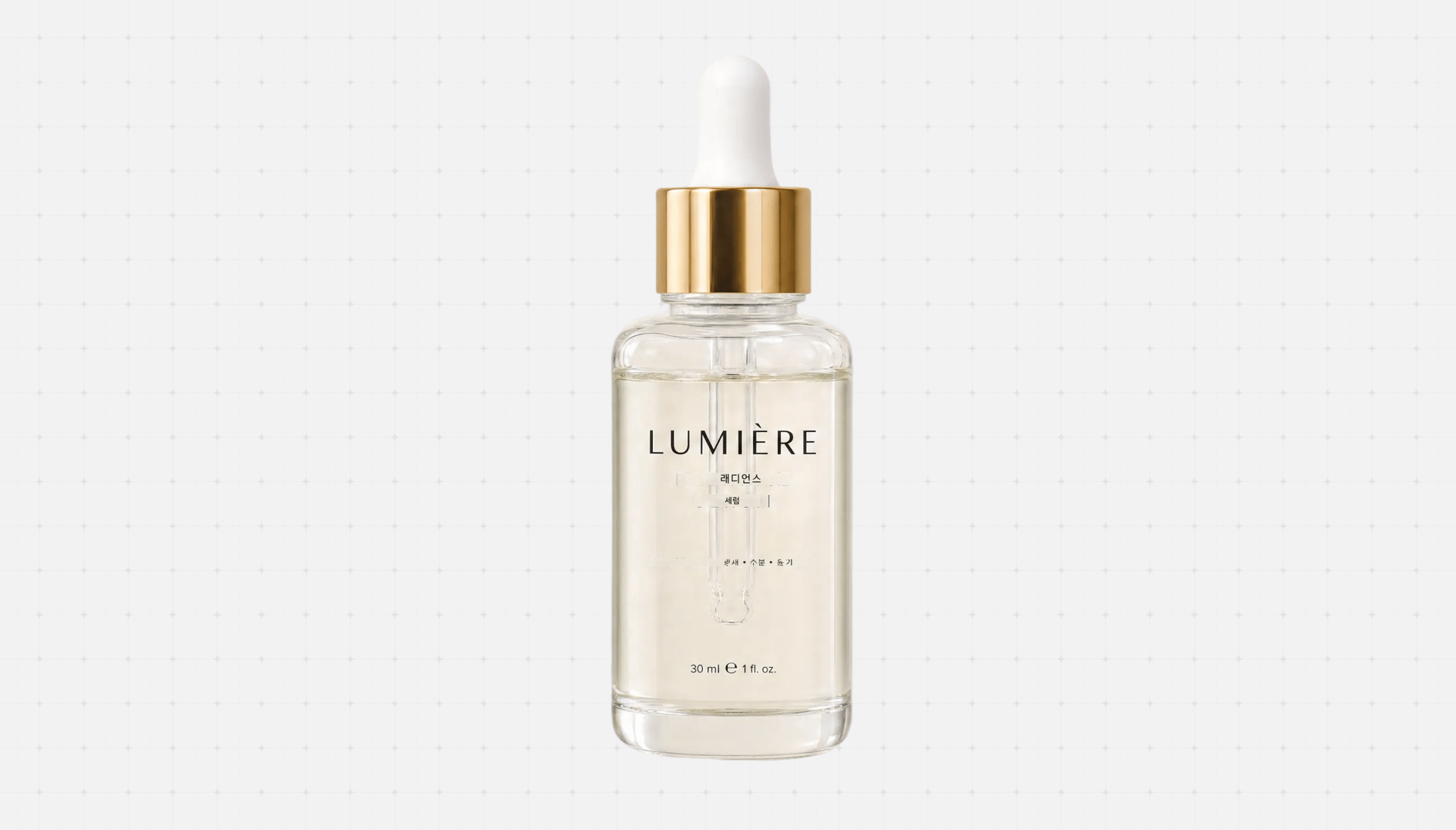
Remove Background before
Remove Background after

Draw to Edit

프레임 위에 직접 스케치해서 Higgsfield에 바꿀 부분을 알려 주세요. 브러시 한 번으로 불필요한 오브젝트를 제거하고, 새 요소를 추가하고, 영역 전체를 교체할 수 있어요. Adobe 안에서 그냥 되는 인페인팅이에요
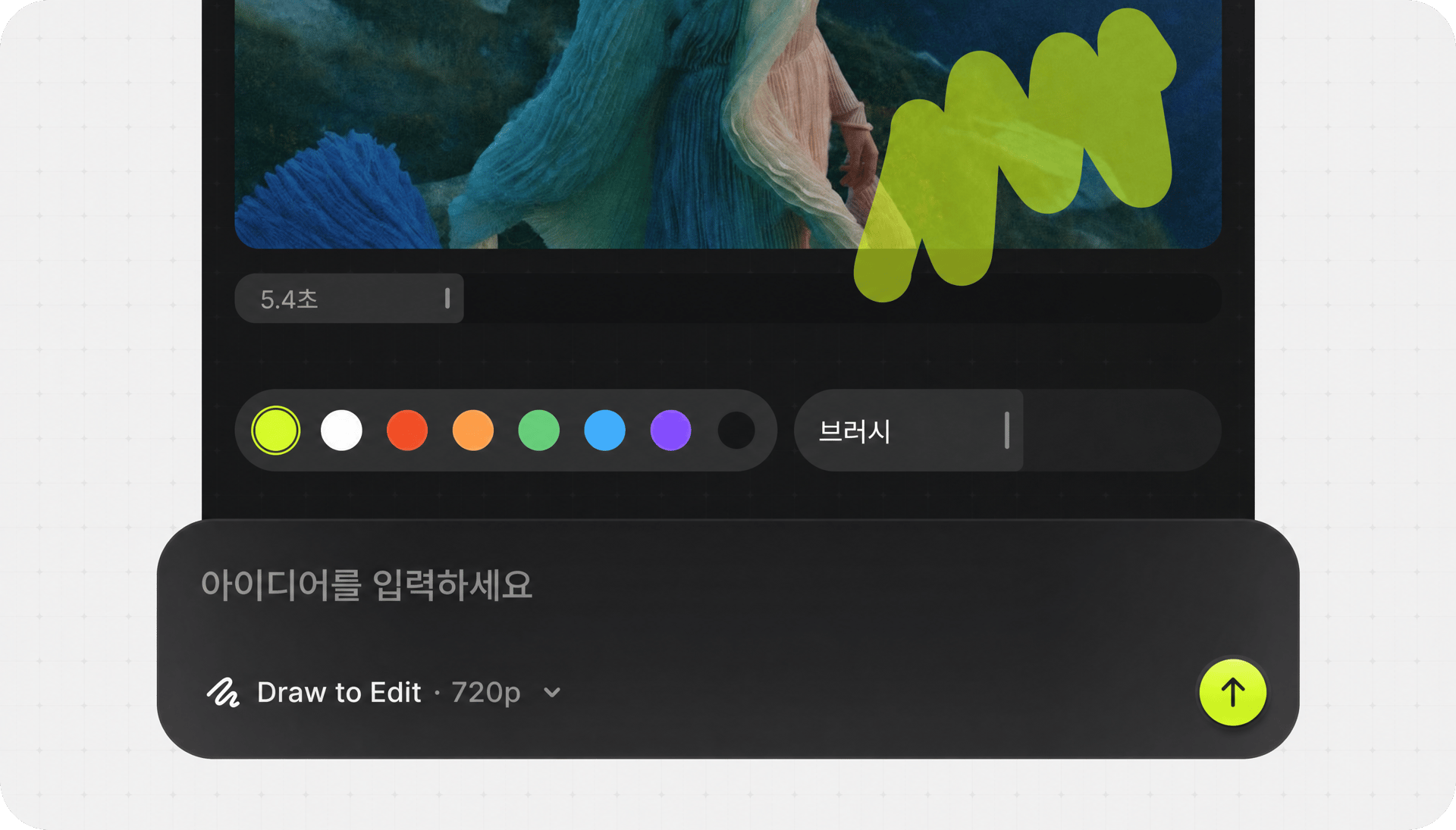
Draw to Edit

업스케일

픽셀을 단순히 늘리는 게 아니라 실제 디테일을 복원하며 어떤 클립이든 4K 또는 8K까지 향상하세요. 아카이브 푸티지를 복원하고, 저해상도 소스를 살리고, 오래된 마스터에서 선명한 현대적 퀄리티를 뽑아내세요
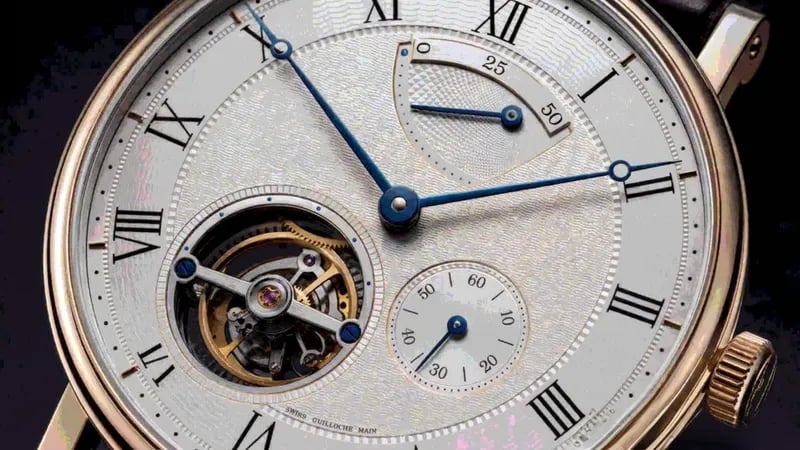
업스케일 before
업스케일 after

신규

내 도구 속 새로운 엔진

Higgsfield

Supercomputer가 플러그인 안으로

지금 시작하기
Analyzing hooks
Moodboarding

Geminiomni flash

현실 세계를 이해하는 비디오 생성

Seed
audio 1.0

프롬프트 하나로 목소리, 대사, 앰비언스까지

MCP Bridge

MCP 브리지가 Higgsfield의 엔진을 Claude에 연결해, 앱을 전환하지 않고도 창작할 수 있어요

다운로드

설치 프로그램 하나로
모든 플러그인을

PrAe

Adobe Premiere Pro 2025+ 또는 After Effects 2025+
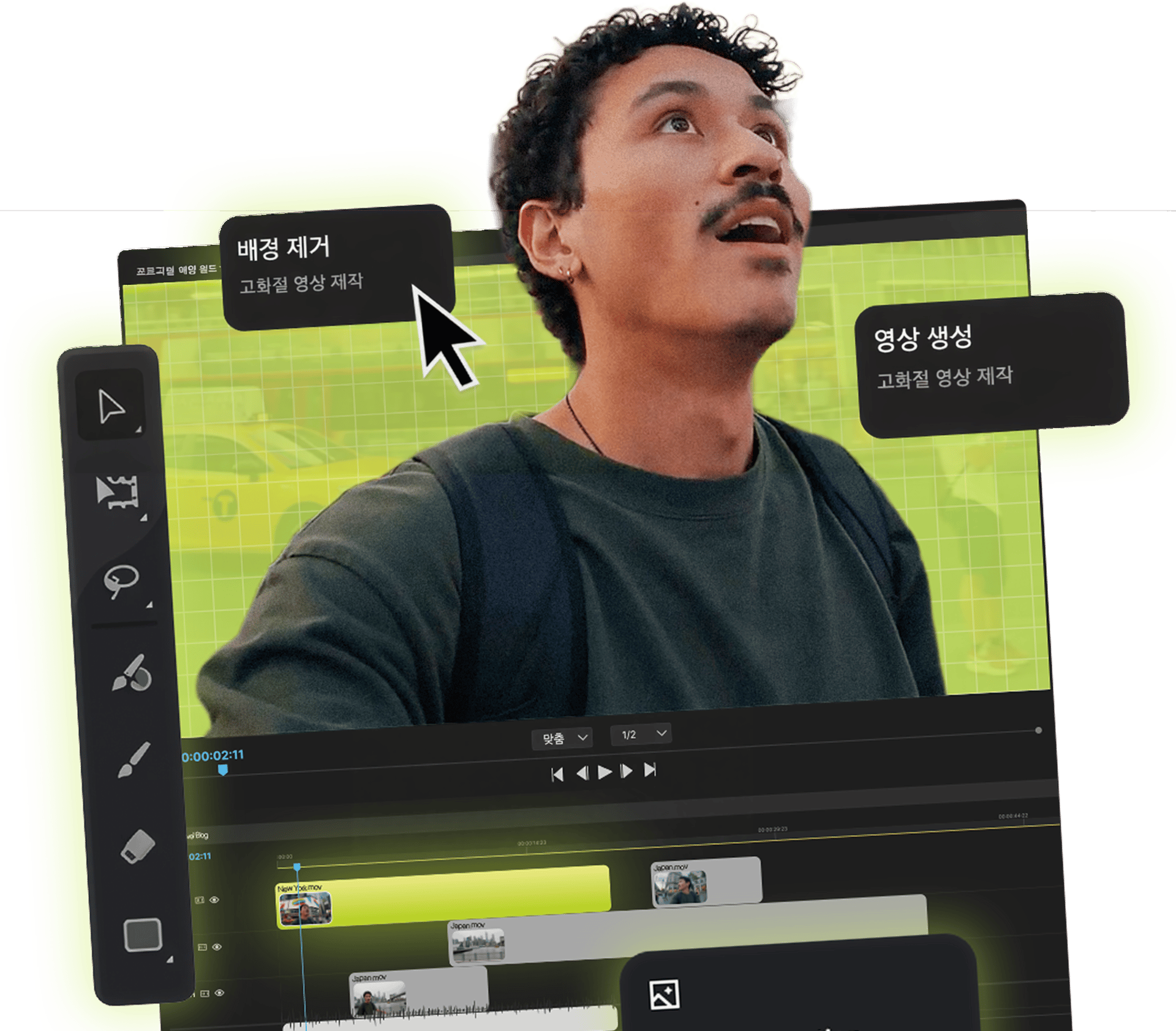
Higgsfield plugin panel inside Adobe

40 MILLION 이상의 사용자가 함께하는 커뮤니티

매일 AI 이미지를 생성하고, 아이디어를 나누고, 서로 영감을 주고받는 글로벌 크리에이티브 네트워크에 함께하세요.

I've been using Higgsfield for my creative work for a while now and, honestly, it's one of the best platforms out there - the tools are powerful and the results speak for themselves. But what made me write this was the support. I had a question about my credits, and Tim handled everything with a transparency and care you rarely see.

Im a new customer of Higgsfield and enjoying it! I'm making some cool videos. I look forward to the advances on the platform! Oh, the support service is excellent!

Higgsfield A.I. has been the best and most exciting tool I've used since I first started editing back in 2008! I still can't believe we live in a time where we can type a sentence; prompt, on one end and get a blockbuster video that comes out on the other end! The site can feel overwhelming at times, but in a good way.

I am an Indonesian content creator based on my experience, I feel helped by the presence of this AI Agent higgsfield I say honestly and swear also thank you.. Because AI Agent Higgsfield has helped a lot, especially for creators in the form of our full support to create. In addition to this support, there are many other supports that are very helpful, especially the Higgsfield team

What Higgsfield is doing really well is making high-quality AI creation feel smooth, fast, and inspiring. I also appreciate how the company supports its creative community and gives artists the freedom to experiment, grow, and push visual storytelling to the next level.

The user interface (UI) is highly intuitive and beginner-friendly. Additionally, the cloud rendering speed for generating both images and videos is exceptionally fast, and the AI tools menu is very well-organized. I have completed numerous projects using Higgsfield, and every single one of them turned out perfectly.

For a long time, I have seen it as a useful and well-optimized tool, designed to help creators in the best possible way. I like that it constantly introduces updates and interesting features that improve the experience. That is why it has always been a platform that has caught my attention and that I have enjoyed using compared to others.

Honestly one of the best AI creative platforms out there. The credit pricing is surprisingly affordable compared to similar platforms, and what impresses me most is how consistently they keep shipping new features. You can tell the team actually listens and keeps pushing the product forward.

The Most Powerful AI Creative Platform for Creators. What impressed me the most is the level of support around the creator program. The team is helpful, professional, and always there when you need assistance or have questions. It really feels like they care about creators and want to help them grow.

신뢰하는 사용자 전 세계 40M+ 사용자

아직 궁금한 점이 있나요?

자주 묻는 질문에 답해 드렸어요

macOS에 Higgsfield 플러그인을 어떻게 설치하나요?
Higgsfield 사이트에서 .dmg 파일을 다운로드하세요. 파일을 열고 Higgsfield.app을 Applications 폴더로 드래그한 다음 더블 클릭해 설치 프로그램을 실행하세요. Premiere Pro와 After Effects를 자동으로 감지하며, 헬퍼 앱이 필요 없어요. 설치 후 Premiere Pro나 After Effects를 열면 Window → Extensions → Higgsfield에서 패널을 찾을 수 있어요.
Windows에는 어떻게 설치하나요?
Windows용 Download를 클릭해 네이티브 .msi 설치 프로그램을 받아 보세요. 헬퍼 앱은 필요 없어요. 두 단계면 끝나요: • 설치 프로그램을 실행하고 설정 안내를 따라 주세요. Adobe 앱을 자동으로 감지해요 • Premiere Pro 또는 After Effects를 열고 Window → Extensions → Higgsfield로 이동하세요
Adobe에 패널이 보이지 않아요. 어떻게 해야 하나요?
가장 흔한 해결 방법: Premiere Pro와 After Effects를 완전히 종료한 뒤 설치 프로그램을 다시 실행해 주세요. 설치 중에는 Adobe가 완전히 종료돼 있어야 해요. 그래도 해결되지 않는다면: • Windows: 설치 프로그램을 관리자 권한으로 실행하세요 • macOS: 차단된 경우 System Settings → Privacy & Security에서 "Open Anyway"를 클릭하세요 • Premiere Pro 2025 이상 또는 After Effects 2025 이상을 사용 중인지 확인하세요 • Window → Extensions를 확인해 보세요. 패널이 숨겨져 있을 수 있어요
설치 후 Adobe를 재시작해야 하나요?
설치 중에 Adobe 앱이 닫혀 있었다면(권장) 평소처럼 실행하기만 하면 돼요. 패널을 바로 사용할 수 있어요. Adobe가 실행 중이었다면 앱을 종료했다가 다시 열어 새 확장 기능을 로드해 주세요.
어떤 Adobe 버전을 지원하나요?
Higgsfield 플러그인은 다음과 호환돼요: • Adobe Premiere Pro: 2025(25.0) 버전 이상 • Adobe After Effects: 2025(25.0) 버전 이상 이전 버전의 Adobe는 현재 지원하지 않아요. 이전 릴리스를 사용 중이라면 먼저 Creative Cloud에서 업데이트해 주세요.
Apple Silicon과 Intel Mac 모두에서 작동하나요?
네. macOS 설치 프로그램은 유니버설 바이너리예요. 별도 설정 없이 Apple Silicon(M1, M2, M3, M4)과 Intel Mac 모두에서 네이티브로 작동해요. Windows에서는 Windows 10과 11(64비트 전용)을 지원해요.
플러그인을 사용하려면 인터넷 연결이 필요한가요?
네. Higgsfield Plugins는 AI 추론을 저희 서버에서 실행하기 때문에 생성 중에는 인터넷 연결이 필요해요. 처리된 결과물은 Adobe 타임라인으로 다시 전송돼요. 또한 패널에서 Higgsfield 계정으로 로그인되어 있어야 해요.
설치에 어떤 플러그인이 포함되나요?
설치 프로그램 하나로 다섯 가지 플러그인이 모두 설치돼요: • Reframe: 피사체를 잃지 않고 어떤 종횡비로도 크롭 • Remove Background: 어떤 클립에서든 깨끗한 알파 키 추출 • Upscale: 영상을 최대 4K 또는 8K로 업스케일 • Draw to edit: 편집을 스케치하면 영상으로 완성 • Edit Video: 자연어 기반 프롬프트 편집 다섯 가지 모두 같은 패널 안에 있어서 클릭 한 번으로 전환할 수 있어요.
플러그인을 사용하려면 Higgsfield 구독이 필요한가요?
네, 플러그인은 웹 플랫폼과 동일한 Higgsfield 크레딧으로 작동해요. 패널에서 기존 계정으로 로그인하면 생성 시 크레딧이 같은 방식으로 차감돼요. 아직 계정이 없다면 higgsfield.ai에서 무료로 가입하고 Starter 크레딧으로 플러그인을 사용해 볼 수 있어요.
플러그인을 상업 프로젝트에 사용할 수 있나요?
네. Higgsfield Plugins로 만든 생성물에는 Higgsfield 웹 플랫폼과 동일한 사용 권한이 적용돼요. 유료 요금제에서의 상업적 이용도 포함돼요. 자세한 내용은 Higgsfield 서비스 약관을 확인해 주세요.